Crypto MCP Server: Connect Claude and ChatGPT to Live Market Data
Stop asking AI about markets it cannot see. Connect Claude or ChatGPT to a crypto MCP server and get live prices, indicators, whale positioning, and AI signals in chat.
Ask ChatGPT where Bitcoin is trading right now and you will get a polite disclaimer — or worse, a confidently wrong number. Large language models are excellent at reasoning about markets and terrible at seeing them. Their training data ends months before your trade does.
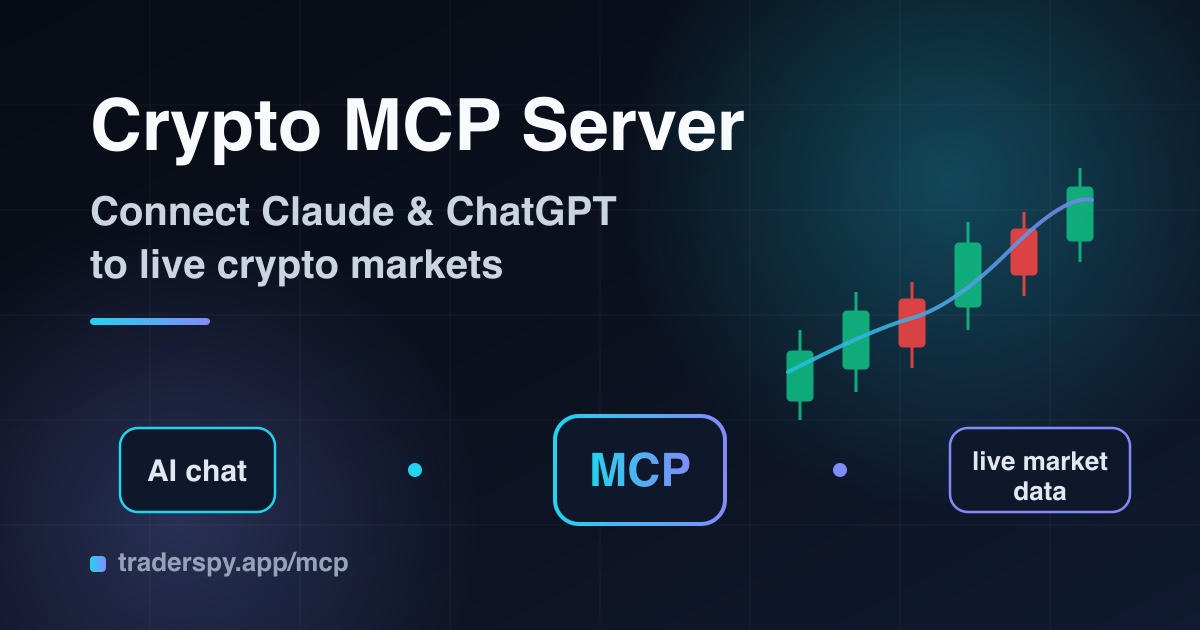
The Model Context Protocol (MCP) closes that gap. Connect your AI assistant to a crypto MCP server and it stops guessing: it pulls live prices, computes real indicators, checks what top traders are actually holding, and reasons over data that is seconds old — all inside the same chat window you already use.
What Is MCP (Model Context Protocol)?
MCP is an open standard, introduced by Anthropic and since adopted across the industry, that lets AI assistants securely call external tools and data sources. Think of it as a universal port for AI: instead of every app building a custom integration for every model, one MCP server works with Claude, ChatGPT, Grok, and any agent framework that speaks the protocol.
An MCP server exposes tools — typed functions like get_candles or get_top_traders. When you ask a question, the model decides which tools to call, fetches the data, and builds its answer on facts instead of stale training data.
For traders, this is the difference between an AI that writes essays about RSI and an AI that tells you the actual 4-hour RSI on SOLUSDT right now.
Why Traders Need This
| Without MCP | With an MCP server |
|---|---|
| Prices from memory, months old | Live prices and candles from the exchange |
| ”As an AI, I cannot access real-time data” | Real RSI, MACD, EMA readings on demand |
| No idea what whales are doing | Top trader positions across 4 exchanges |
| Generic strategy advice | Analysis grounded in current market structure |
The workflow changes completely. Instead of alt-tabbing between TradingView, a leaderboard tracker, and a chat window, you ask one question and the AI assembles the full picture: price action, indicator state, smart money positioning, and active signals — then argues a thesis you can challenge.
What the TraderSpy MCP Server Exposes
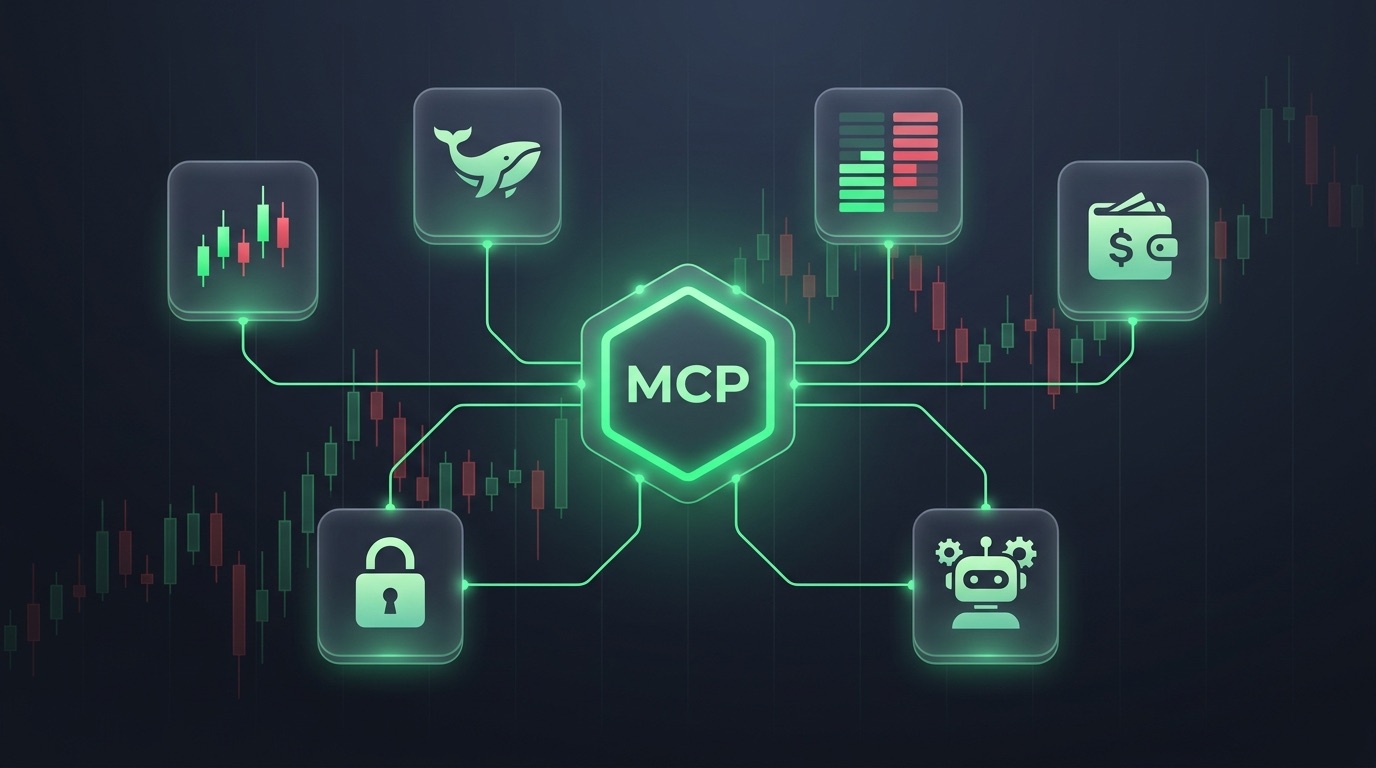
The TraderSpy MCP server ships 17 read-only tools covering the entire data stack behind the platform:
Market data
get_price,get_candles— live prices and OHLCV history for 300+ futures pairsget_technical_indicators— 19 indicators (RSI, MACD, EMA/SMA stacks, Bollinger, ADX, SuperTrend, Ichimoku, pivot points, swing support/resistance and more) with previous-bar direction and a plain-language summary, up to 3 timeframes in one callget_derivatives— funding rate (current, 24h/3d average, annualized), open interest with its 24h/4h change and the OI×price regime (new longs, short covering, new shorts, long liquidation), top-trader and all-account long/short ratios and taker flow, for up to 5 Binance perpetuals per callscreen_symbols— scan the most-traded pairs (up to 100) for up to three AND-ed conditions from a fixed metric list (RSI, stochastic, ADX, MACD histogram, Bollinger %B, price vs EMA, EMA spread, SuperTrend, change %, volume ratio…) on one timeframe, or compare an explicit list of symbols side by sidebacktest_condition— an event study over the stored history of one pair: how often a condition occurred, what price did afterwards per horizon (average, median, win rate, best/worst excursion) and the edge over the unconditional baselineget_market_stats,get_tracked_symbols,get_exchanges— market overview and coverage
AI signals
get_signals,get_signal_details,get_signal_stats— the same AI-validated long/short signals TraderSpy publishes in-app, with entries, targets, stop losses, and historical win rates
Smart money
get_top_traders,get_elite_leaderboard,get_trader_profile,get_trader_position_history,get_positions— live positioning of top-performing traders on Binance, Bybit, Hyperliquid, and OKX
How to Connect Claude
There is no key to copy. Every assistant uses the same server URL, https://mcp.traderspy.app/mcp, and you sign in with your TraderSpy account.
- In Claude, go to Settings → Connectors → Add custom connector.
- Name it TraderSpy, paste
https://mcp.traderspy.app/mcpand click Add. - Click Connect. Claude opens the TraderSpy sign-in in a new window: sign in and click Allow access.
That is it. Ask Claude “what are the strongest AI signals right now?” and watch it call the tools.
In Claude Code, run claude mcp add --transport http traderspy https://mcp.traderspy.app/mcp, then type /mcp, pick traderspy and choose Authenticate. Your browser opens the same sign-in once.
How to Connect ChatGPT
TraderSpy is listed in the ChatGPT plugin directory, so there is nothing to paste:
- Open chatgpt.com/plugins (or Settings → Plugins), search for TraderSpy and click Connect.
- Sign in with your TraderSpy account and click Allow access.
- In a chat, pick TraderSpy with @ or from the + menu.
Prefer your own connector? Turn on developer mode in Settings → Security and login, then click + on the Plugins page, paste the server URL and choose OAuth.
Once connected, ChatGPT can browse the same signals, indicators, and smart money data as Claude.
How to Connect Grok
Grok (xAI) accepts any publicly reachable MCP server as a custom connector:
- Open grok.com/connectors and choose New Connector → Custom.
- Paste the server URL. Grok opens the TraderSpy sign-in: sign in and click Allow access. Leave any client ID and secret fields empty.
- TraderSpy is available in your next chat.
If no sign-in appears, use a personal connector URL instead (see below). Grok Build in the terminal and the xAI API always connect that way.
How to Connect Gemini
In the Gemini app, open Settings → Connected apps and add a custom app. Paste the server URL, sign in and click Allow access, and leave the credential fields under Advanced features empty. Google currently offers custom apps only in the US, in English, on a personal Google account with Keep Activity on. That is a Google limit, not a TraderSpy one.
Cursor, n8n and Other Clients
Some clients cannot open a sign-in window: Cursor, Windsurf, n8n, Grok Build, a headless server or your own script. For them, the Other clients tab on the MCP page gives you a personal connector URL with your key built in. Paste it wherever the client asks for an MCP server URL, with no other authentication.
Treat that URL like a password. Anyone holding it can use your daily tool-call quota until you regenerate or revoke it.
Prompts That Actually Work
The value shows up in compound questions — the ones that used to require four open tabs:
- “Pull 4h candles and RSI, MACD for BTCUSDT. Does this pullback look like trend continuation or a reversal?”
- “What are elite Hyperliquid traders positioned in right now? Flag anything that looks crowded.”
- “List today’s AI signals, then check whether smart money agrees with the direction on each.”
- “Compare funding and open interest on ETH versus SOL and tell me where a squeeze is more likely.”
- “Track trader X’s position history — do they scale in before breakouts or after?”
Each answer is grounded in tool calls you can inspect, not in the model’s memory.
Why the Connector Cannot Trade for You
Every tool on the TraderSpy MCP server is read-only, and that is a design decision rather than a missing feature:
- No order tools exist. The connector cannot open, close or modify a position. There is nothing an over-eager agent — or a prompt injected into a web page it read — could execute.
- No withdrawal tools exist either. The MCP server has no way to move funds out. The worst case is a bad idea in a chat window, never a drained wallet.
- Access only reads. Whether an assistant signed in or uses a personal URL, it reaches signals, market data and smart-money positioning. It cannot see a balance or a position.
- Instant revocation. Disconnect all apps on the MCP page signs every connected assistant out at once, and a personal URL, if you made one, stops working.
The agent builds the thesis; you place the trade yourself on your exchange. That split keeps the useful half of AI trading and drops the half that keeps people awake at night.
Free vs Premium
Every TraderSpy account can connect: signing in with a free account is enough. Free accounts include a daily allowance of tool calls to test the workflow; Premium raises the quota to power real research sessions and always-on agents.
The Bigger Shift: From Chatbots to Analysts
MCP turns a chat model into something closer to a junior analyst with live terminal access. It can monitor smart money flows, cross-check AI signals against indicator state, and explain its reasoning — while you keep the final decision.
Teams are already building on this: research agents that prepare a morning brief, risk agents that watch open positions, screeners that run in plain English. The protocol is open, so whatever agent stack wins, your data layer stays the same.
Getting Started
Connect your assistant in under two minutes at traderspy.app/mcp: add https://mcp.traderspy.app/mcp to Claude, ChatGPT, Grok or Gemini, sign in, and ask your first question that gets answered with live data.
The models were never the bottleneck. The data was. Plug it in.